
- Formerly
- PartXplore
- Opens
- Catia, NX, Creo, SolidWorks, STEP, IGES and more
- Used for
- Quoting, measuring, markup and sharing
- Trial
- Free for 30 days

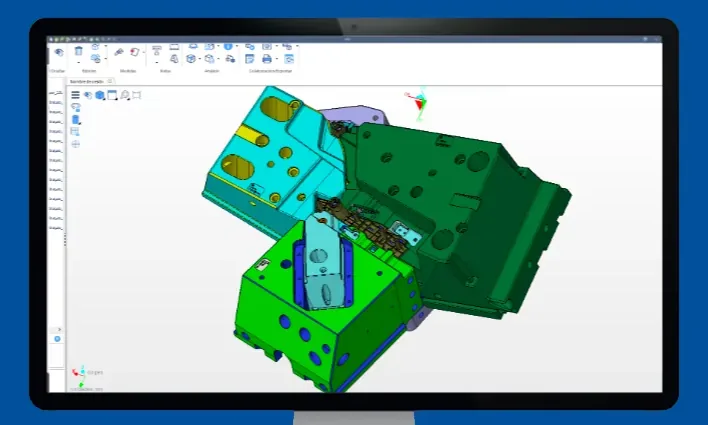
Hexagon WorkXplore is a high-speed CAD file viewer and analyzer. It opens large 3D models without the original CAD system, often in less than half the time the CAD application takes, so estimators, programmers and shop staff can measure, check and mark up customer parts on an ordinary PC.
WorkXplore was sold for several years as PartXplore. Nielsen Enterprises sells and supports it, and Hexagon offers a free 30-day trial. Ask us about a trial or a license.
What WorkXplore does
- Opens Catia V4, V5 and V6, NX, Parasolid, Creo, SolidWorks, Solid Edge, IGES, STEP, STL, DXF, DWG and more
- Measures dimensions, thickness, angles, areas and volumes, even for users who are not CAD experts
- Analysis tools for quoting, diagnostics, assembly notes and preparing models for production
- 2D and 3D annotations, so fewer 2D drawings are needed
- Saves models in a compact format to share with customers, suppliers and project members through a lightweight standalone app
Who uses it
Estimators quoting from customer CAD files, CAM programmers checking parts before programming, and anyone who needs to look at a model without a CAD license.
Common questions
Is WorkXplore the same as PartXplore?
Yes. Hexagon sold this viewer as PartXplore for several years and now sells it as WorkXplore.
Can I try WorkXplore before buying?
Yes. Hexagon offers a free 30-day trial. Contact us and we will help you get started.