
- Replaces
- Part Modeler
- Modeling
- Direct modeling, no feature history
- Prepares parts for
- Machining, sheet metal, 3D printing
- Hands off to
- Your CAM system, including Edgecam

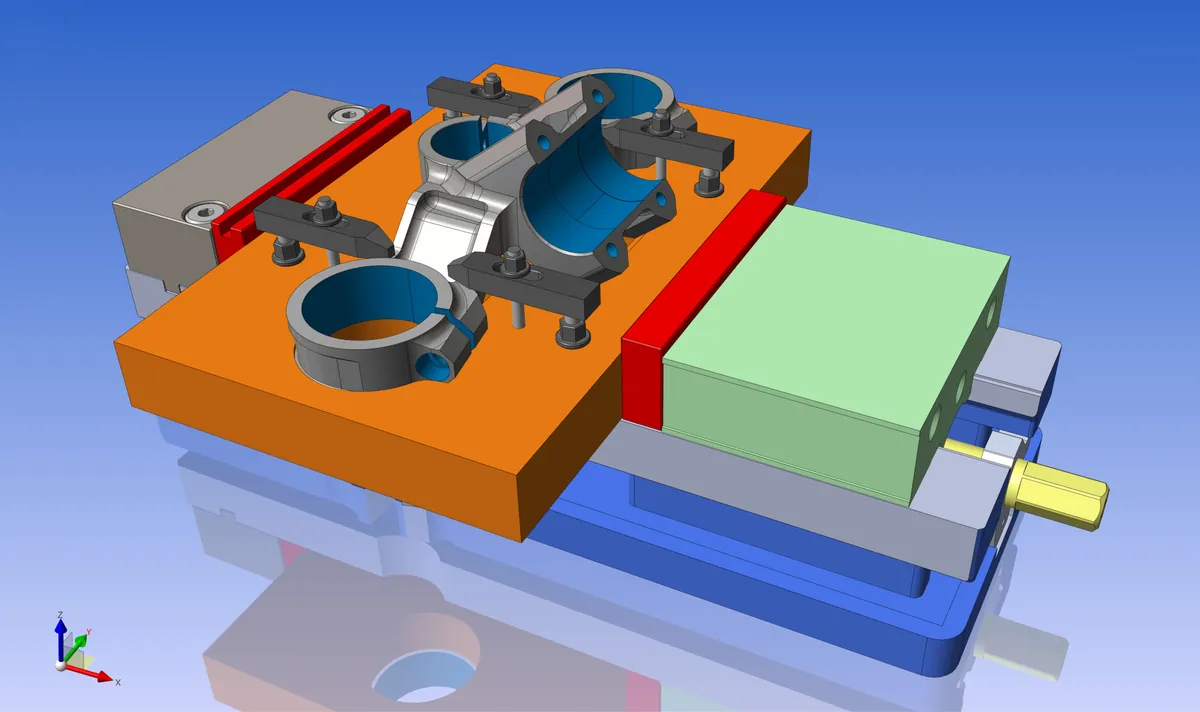
Hexagon Designer is CAD built for manufacturing: it gets parts ready for CAM. Use it to repair imported geometry, adapt models for machining and fabrication, prepare sheet metal and 3D printed parts, and turn scan data into usable models, without the constraints of a history-based CAD system.
Designer replaces Part Modeler, which Hexagon no longer sells or supports. Nielsen Enterprises sells and supports Designer and can help Part Modeler users move over. Ask for a quote or a demo.
What Designer does
- Direct modeling to change geometry quickly, with no feature history to work around
- Geometry repair for imported or imperfect models
- Sheet metal preparation with accurate flat patterns for nesting
- 3D printing preparation, including mesh repair
- Reverse engineering tools that turn scan data and point clouds into production-ready geometry (add-on module)
- Automation with macros and scripting for repetitive preparation work
- Bi-directional CAD translation and a clean handoff into your CAM workflow
Common questions
What happened to Part Modeler?
Hexagon stopped selling and supporting Part Modeler after Edgecam 2020 and recommends Designer in its place. We can help you make the move.
Can Designer work with scan data?
Yes. Its reverse engineering tools, an add-on module, turn scan data and point clouds into production-ready geometry.